

















Ask Phil: How to Improve Ergonomics in the Workplace with the Right Desks, Tables & Accessories
Posted by OfficeAnything on Jul 16th 2026
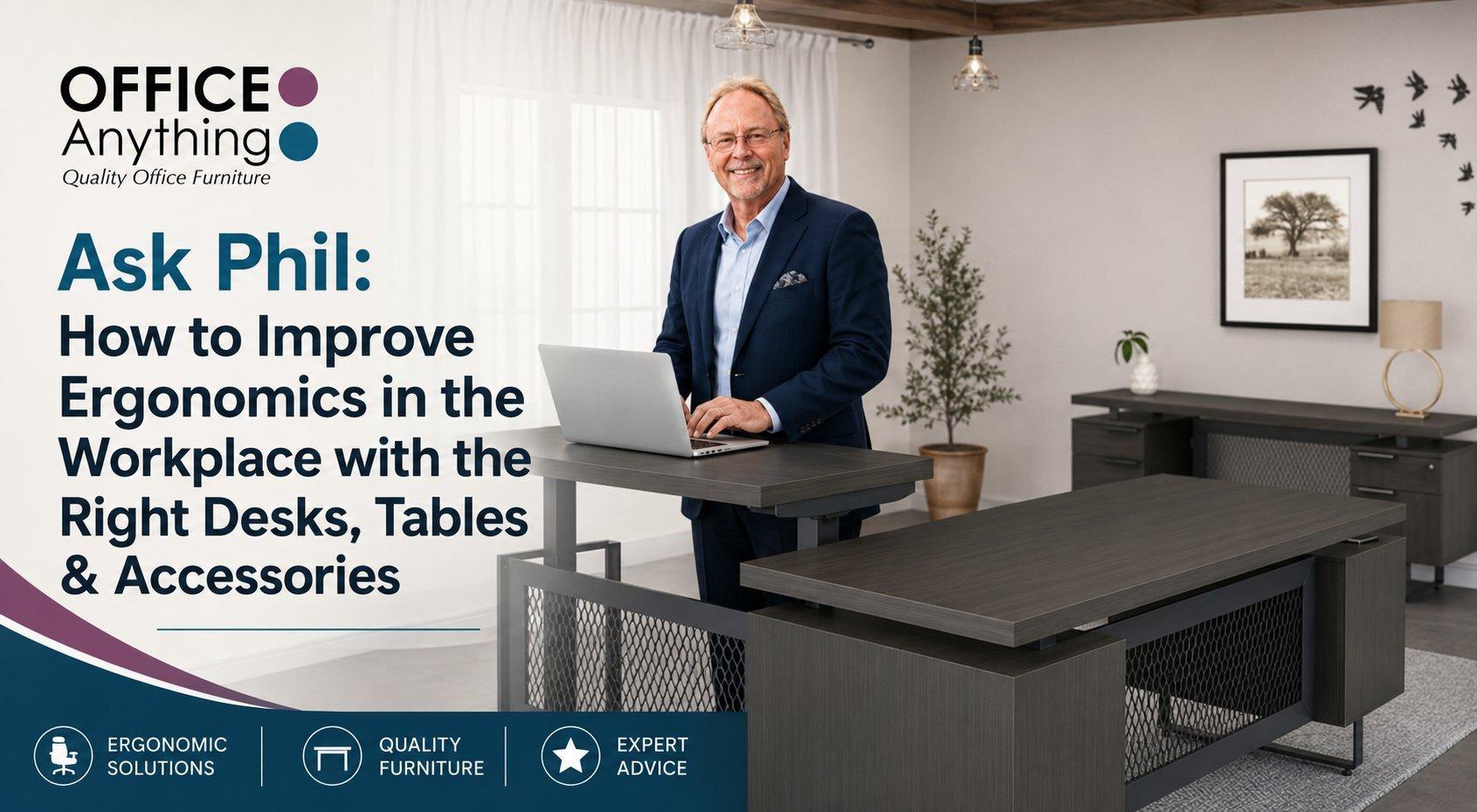 Hi, Phil here. In 35+ years of helping businesses furnish their offices, the question I hear most often isn't "what's the cheapest desk you have" — it's "how do I stop my team from hurting after a full day at their desk." Ergonomics used to be a nice-to-have. Today it's one of the fastest ways to cut down on sick days, turnover, and workers' comp claims, and it doesn't require a full office remodel to get right. Here's where I'd start.
Start With a Desk That Moves With You
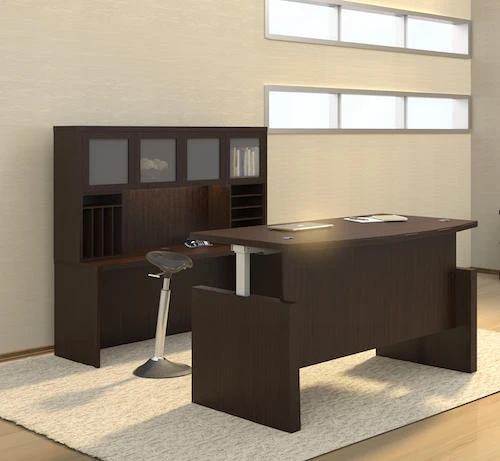
A fixed-height desk locks everyone into one position for eight hours a day, and that's where most ergonomic problems begin. A height-adjustable desk lets each person set their own sitting and standing positions, which alone resolves a huge percentage of the neck, shoulder, and lower-back complaints I hear about on walkthroughs.
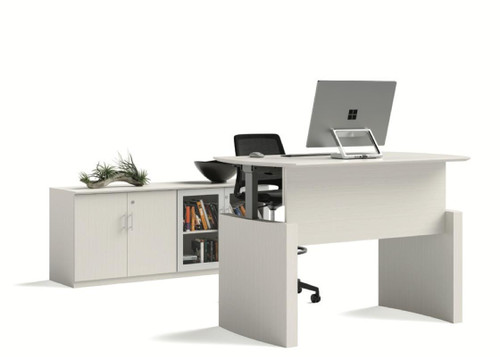
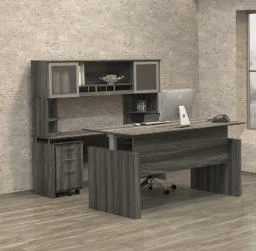
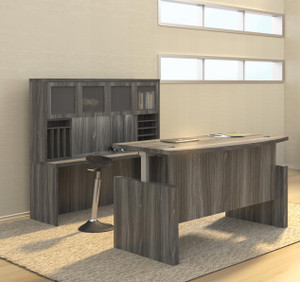
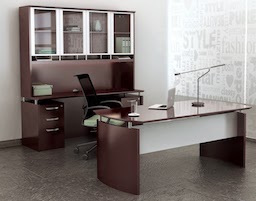
The Mayline Medina Height Adjustable Desk is a good example of what I recommend for private offices — it keeps the storage and finished look of a traditional executive desk, but the base does the work your spine shouldn't have to.
Height-Adjustable Tables for Shared and Collaborative Spaces
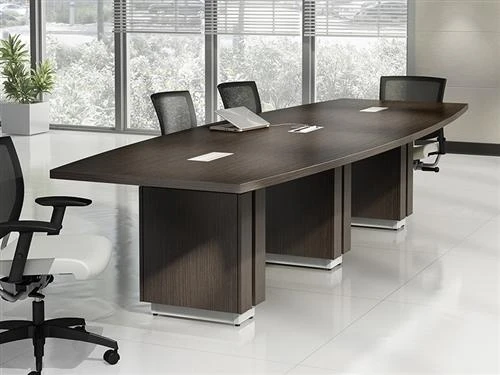
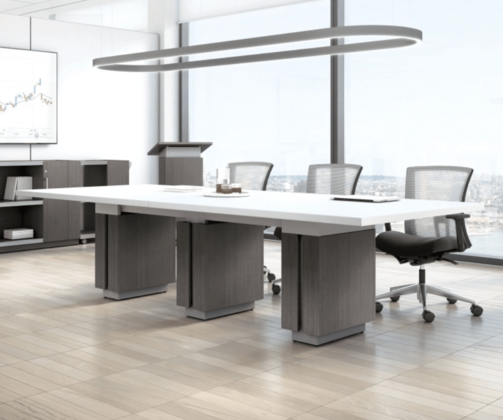
Ergonomics isn't only a private-office issue. Huddle rooms, benching stations, and shared workstations benefit just as much from sit-to-stand tables, especially in open floor plans where a few people are on their feet for meetings and others are heads-down on focused work.

The Element Contract Titan Pro Workstation bundles a sit-to-stand base with a monitor arm and surface power in one package, which is often the simplest way to upgrade a bank of workstations without ordering ten separate parts.
Get Monitors to Eye Level
I still walk into offices where a laptop or monitor sits flat on the desk and everyone's craning their neck downward all day. A monitor arm fixes this in minutes — it puts the screen at eye level, frees up desk space, and adjusts instantly when someone moves from sitting to standing.

A dual monitor arm like this one from Office Source is one of the least expensive ergonomic upgrades you can make, and it's usually the one employees notice on day one.
Don't Overlook the Chair
A great desk paired with a bad chair only gets you halfway there. Look for adjustable lumbar support, seat depth, and armrests — a chair that fits a 5'2" employee and a 6'4" employee equally well doesn't exist, so adjustability matters more than any single feature.

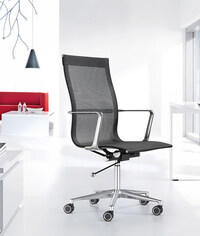
The Eurotech ME2ERG-XTRM is one of our most fully adjustable chairs, and it's a good benchmark if you're comparing options for a team with a wide range of body types.
Small Accessories, Big Impact
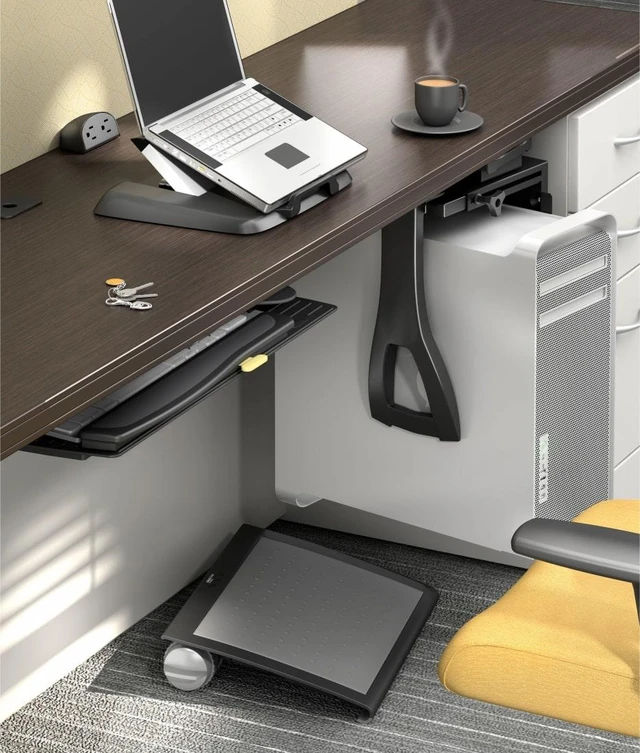
Not every fix needs a new desk. If a full sit-to-stand rollout isn't in the budget this year, a desktop converter gets you most of the benefit for a fraction of the cost, and it moves with an employee if they change desks or offices.

The Flexus 2 Desktop Sit-Stand Workstation sits right on top of an existing desk, so it's an easy way to test whether sit-to-stand works for someone before committing to a full desk replacement.
Ask Phil's Bottom Line
You don't need to replace every desk in the building to make real progress on ergonomics. Start with the workstations getting the most complaints, mix in a few monitor arms and better chairs, and expand from there. After 35+ years of outfitting offices of every size, I can tell you the businesses that treat ergonomics as an ongoing investment — not a one-time purchase — are the ones with the healthiest, most productive teams.
Have a question about outfitting your space? Browse our full Ergonomic & Sit-to-Stand collection, or give us a call at 800-867-1411 — we're happy to help you put together the right setup.